ZZTool
Convert Video to MP3 in Seconds – A Simple Tool That Just Works
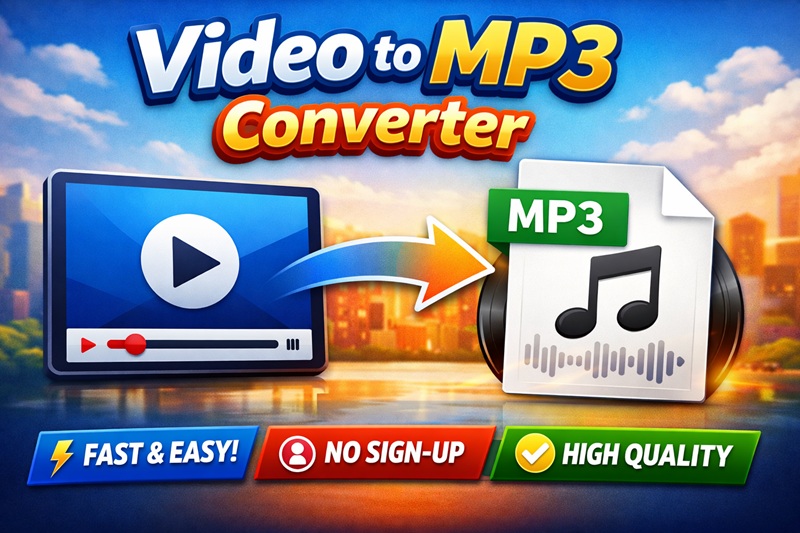
Not every video needs to be watched.
Sometimes, all you really want is the audio: 🎧 a podcast-style interview 🎧 a lecture or tutorial 🎧 background music from a video 🎧 something you can listen to while driving, working, or exercising
That’s exactly where a Video to MP3 converter becomes useful.
After trying many online converters that require sign-ups, limit usage, or upload files to unknown servers, this Video to MP3 tool by 886LiFe stands out for one reason: it’s simple, fast, and respects your privacy.
Why This Video to MP3 Tool Is Worth Using
This tool focuses on doing one thing well — converting video audio into MP3 without unnecessary steps.
✅ No Registration, No Installation
You don’t need to create an account or download any software. Just open the page, upload your video, and convert.
✅ 100% Browser-Based (Privacy Friendly)
All processing happens directly in your browser:
- Your video is not uploaded to a server
- No storage, no tracking
- Much safer for personal or large files
✅ Supports Common Video Formats
The converter works with most popular formats, including:
- MP4
- MOV
- AVI
- MKV
- WebM
No need to convert formats beforehand.
✅ Choose Your MP3 Audio Quality
You can select the output bitrate based on your needs:
- 128 kbps – smaller file size, good for speech
- 192 kbps – balanced quality
- 256 / 320 kbps – high quality for music
How to Convert Video to MP3 (Step-by-Step Guide)
Even if you’ve never used an online converter before, this tool is extremely easy to use.
🟢 Step 1: Open the Video to MP3 Tool
Go to the Video to MP3 converter page. The interface is clean and minimal — no ads, no confusing options.
🟢 Step 2: Upload Your Video File
You can upload your video in two ways:
- Drag and drop the video file into the page
- Or click the upload button to select a file from your device
Most standard video formats are supported.
🟢 Step 3: Select MP3 Audio Quality
Before converting, choose the MP3 quality:
- For voice, lectures, or podcasts → 128 or 192 kbps
- For music or long-term storage → 256 or 320 kbps
Higher quality means better sound, but slightly larger file size.
🟢 Step 4: Start Converting
Click the Convert button.
The tool will extract the audio from your video automatically. Conversion speed depends on:
- Video length
- File size
- Your device performance
No additional settings are required.
🟢 Step 5: Download Your MP3 File
Once the conversion is finished, a Download MP3 button will appear. Click it to save the audio file to your device and use it anywhere.
Who Is This Tool For?
This Video to MP3 converter is useful for many types of users:
🎙️ Content creators – extract audio for podcasts or reuse content 📚 Students & learners – convert lectures into audio for revision 🚗 Commuters – listen to videos as MP3 while traveling 🎵 Music lovers – save background music from videos 💼 Professionals – archive audio-only resources efficiently
Tips for Best Results
- Always make sure you have the right to use the video content
- For large videos, desktop browsers offer better performance
- If unsure about quality, 192 kbps is a safe default choice
Final Thoughts
If you’re looking for a fast, clean, and reliable Video to MP3 converter, this tool from 886LiFe is a great option.
No sign-up. No software installation. No server uploads.
Just upload your video, choose your quality, and download your MP3.
Sometimes the best tools are the ones that get out of your way and let you finish the job.